A video content management system solves storage, search, delivery, and rights control for video teams. The reader will learn clear steps to pick a system, test costs, and run video workflows. The guide will show what features matter and how to deploy fast. The writing uses plain language and direct advice for teams that publish or archive video.
Key Takeaways
- A video content management system centralizes storage, metadata, and delivery to streamline video workflows and reduce manual tasks.
- Choose a system by matching must-have features to your team’s goals, budget, and security needs with thorough vendor evaluation and pilot testing.
- Evaluate costs by forecasting growth, including storage, transcoding, delivery fees, and verify compliance with regulations like GDPR and CCPA.
- Deploy quickly by defining goals, preparing metadata, testing playback and permissions, enabling analytics, and training users on controls.
- Maintain the system with weekly audits, automated workflows, cost reviews, and regular updates to metadata and transcripts for optimal performance and compliance.
What Is a Video Content Management System and Why It Matters
A video content management system stores video files, manages metadata, and delivers video to viewers. It reduces manual tasks and speeds publishing. It helps teams tag clips, track versions, and control access. It also handles playback and adaptive delivery to different devices. A video content management system lowers delivery errors and cuts storage waste. A buyer will see clearer workflows and fewer lost assets when the system works well. Teams that publish often will save time and money. Security features will stop unauthorized downloads. Analytics will show which videos drive results. Integrations will let the system work with editors, CMS platforms, and ad servers.
Core Features To Look For Before You Buy
A team should list must-have features before shopping for a video content management system. The list should match the team’s goals and budget. The vendor should show real use cases and offer test data. The team should check uptime history and support SLAs. The contract should state storage limits, egress fees, and data handling terms. The team should verify security audits and compliance reports. The vendor should provide clear pricing tiers and an easy upgrade path. The team should run a pilot that includes typical file sizes and viewer loads. They should measure upload speed, playback quality, and search accuracy. They should test API access and single sign-on. They should confirm that the system exports standard metadata formats and preserves timecode.
How To Evaluate Costs, Scalability, And Regulatory Compliance
A buyer should map current usage and forecast three years of growth. They should count hours of video, peak viewers, and storage needs. They should calculate upload, storage, transcoding, and delivery costs. They should include CDN fees and egress charges. A vendor should show sample invoices for similar customers. A buyer should test scale with a load test that mimics peak events. The buyer should note how the video content management system adds nodes or capacity. The buyer should confirm multi-region options for redundancy. The buyer should check data residency rules and retention laws that affect video. The vendor should provide GDPR, CCPA, and industry-specific reports when needed. The buyer should verify encryption at rest and in transit. The buyer should check procedures for takedown requests and legal holds.
Quick Deployment Checklist And Ongoing Best Practices
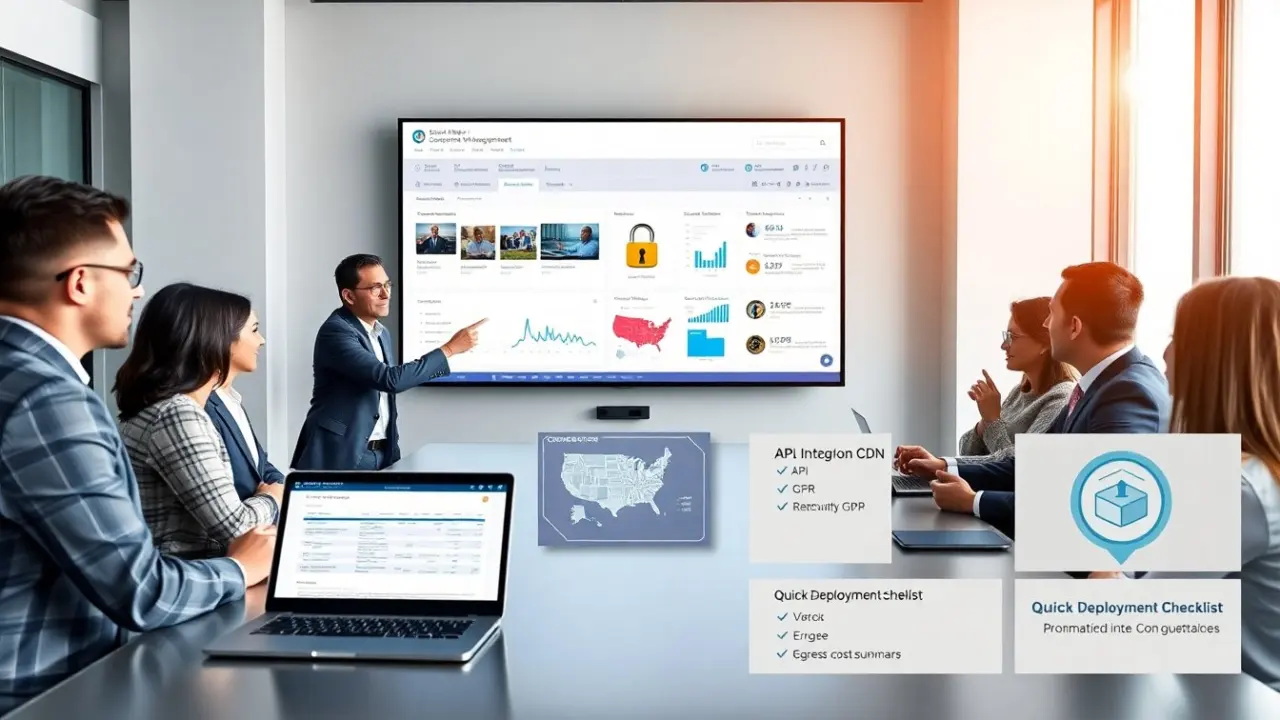
The team should follow a short checklist to deploy a video content management system. Step 1: Define goals, success metrics, and a pilot scope. Step 2: Prepare metadata schemas and naming rules. Step 3: Move a subset of files and confirm playback across devices. Step 4: Connect the CMS to the site’s auth system and test permissions. Step 5: Enable analytics and verify event tracking. Step 6: Train users on search, tagging, and version control. For ongoing work, the team should enforce metadata quality and run weekly audits. The team should automate ingest and transcoding with pipelines. The team should schedule storage tiering and prune unused masters. The team should review costs monthly and tune delivery rules. The team should update captions and transcripts to keep search current. When incidents occur, the team should run a postmortem and adjust SLAs and alerts.