
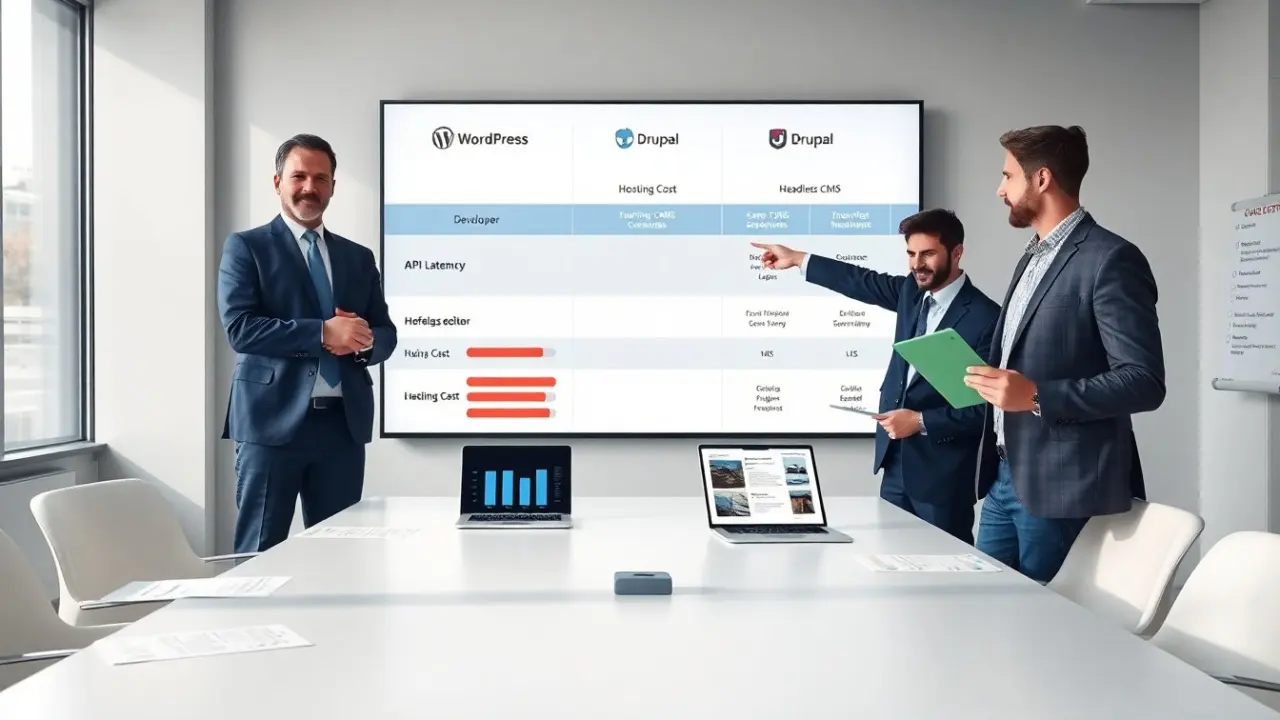
Content management system comparison helps site owners pick the right platform. The comparison shows trade-offs in ease, cost, security, and speed. It gives clear facts and practical steps. The reader sees which CMS type fits a project and why. The goal is to shorten decision time and reduce risk.
Key Takeaways
- Content management system comparison helps select the right CMS by evaluating ease, cost, security, and speed factors tailored to project needs.
- Choose a traditional CMS like WordPress for quick launches and visual editing, an enterprise CMS like Drupal for strict governance and complex workflows, or a headless CMS for developer flexibility and multi-channel delivery.
- Test CMS options early with proofs of concept to measure publishing speed, integration ease, and error rates to avoid costly platform switches.
- Budget for ongoing costs including licensing, hosting, development, and maintenance while planning security measures specific to each CMS type.
- Performance tuning differs by CMS: WordPress benefits from caching and CDNs, Drupal needs database optimization, and headless CMS requires caching API responses and edge delivery.
- Prepare an exit strategy by ensuring content portability through standard formats and regular backups to avoid vendor lock-in.
Quick Decision Framework: Match Your Project Needs To A CMS Type
Quick decision steps
- Define the project scope. The team lists features, traffic estimates, and content types. They note editorial workflows and third‑party integrations.
- Set skill and budget limits. The team states who will manage the site and how much they will spend on hosting and development.
- Prioritize security and compliance. The team checks whether the site must meet rules like GDPR or industry standards.
CMS type match
- Traditional CMS fits small to medium sites. It provides an admin UI, templates, and plugins. It suits blogs, marketing sites, and small e‑commerce stores. The team chooses it when editors need visual tools and quick publishing.
- Enterprise CMS fits large sites with complex workflows. It provides fine control, role management, and advanced workflows. The team chooses it when they need multi‑site control and strict governance.
- Headless CMS fits apps and multi‑channel delivery. It exposes content via APIs. The team chooses it when developers need full control of front ends and when content must feed web, mobile, and IoT.
Decision checklist (short)
- Editors need a visual editor? Then choose a traditional CMS.
- Developers need front‑end freedom? Then choose a headless CMS.
- Organization needs strict governance and scale? Then choose an enterprise CMS or Drupal.
How to test quickly
The team builds small proofs of concept. They test publishing, template changes, and an integration. They measure time to release and error rates. They compare results against budget and timelines. This quick test reduces the chance of a costly platform switch later.
Side‑By‑Side Comparison: WordPress, Drupal, And Headless CMS (Pros, Cons, Use Cases)
WordPress
WordPress powers many sites. It offers a large plugin ecosystem and many themes. It suits blogs, small business sites, and simple stores. Pros: fast to launch, broad community, many hosting options. Cons: plugins can conflict, and default setups need hardening for security. Use cases: marketing sites, small e‑commerce, and content‑heavy blogs. The team chooses WordPress for low initial cost and many ready solutions.
Drupal
Drupal provides strong access control and flexible content models. It suits large, multi‑site deployments and projects with complex workflows. Pros: fine‑grained permission controls, strong taxonomies, and good for compliance. Cons: higher development cost and steeper learning curve. Use cases: government sites, universities, and enterprise portals. The team chooses Drupal when they need precise control and long‑term stability.
Headless CMS
Headless CMS separates content from presentation. It provides content via APIs and leaves the front end to developers. Pros: developer flexibility, scalability, and easy multi‑channel delivery. Cons: requires more development work and a separate hosting plan for front ends. Use cases: mobile apps, single‑page apps, and sites that push content to multiple platforms. The team chooses a headless CMS for modern web apps and when they need fast, custom front ends.
Quick comparison table (descriptive)
- Time to launch: WordPress fastest, Drupal moderate, Headless slowest.
- Cost: WordPress low to moderate, Drupal moderate to high, Headless moderate to high.
- Developer skills: WordPress basic‑to‑moderate, Drupal advanced, Headless advanced.
- Best fit: WordPress for speed, Drupal for governance, Headless for flexibility.
Choosing by use case
If the project values rapid content publishing, WordPress often wins. If the project demands strict roles and custom content types, Drupal often wins. If the project serves many channels and needs modern front ends, headless CMS often wins. The team weighs these outcomes against budget and timeline.
Implementation Considerations: Cost, Security, Performance, And Long‑Term Maintenance
Cost model
The team checks license, hosting, and development costs. WordPress has many low‑cost options. Drupal often needs more developer time. Headless CMS adds API hosting and front‑end hosting costs. The team budgets for updates and plugin or module maintenance.
Security
The team plans regular updates and strong access rules. For WordPress, the team limits plugin count and uses a web application firewall. For Drupal, the team follows security advisories and applies patches promptly. For headless CMS, the team secures APIs with tokens and scopes. The team also schedules audits and backups.
Performance
The team measures page load and API latency. They add caching where it helps. For WordPress, the team uses object caching and CDNs. For Drupal, the team tunes database queries and caches entities. For headless set‑ups, the team caches API responses and uses edge delivery. The team profiles the site under realistic traffic.
Long‑term maintenance
The team documents architecture and processes. They set a schedule for version upgrades and dependency checks. They automate tests and staging deployments. The team trains editors on content workflows and developers on deployment steps.
Third‑party integrations and APIs
The team lists required integrations early. They check native plugins, modules, or SDKs. For headless CMS, the team evaluates content modeling and API rate limits. The team plans authentication and error handling for each integration.
Exit plan
The team prepares an export strategy. They ensure content stays accessible and can move to another CMS if needed. They back up databases and media regularly. The team avoids lock‑in by favoring standard formats like JSON, Markdown, or XML.